Customised Filters
Overview
Objective
Impacting car discovery & identifying user intend
Why it matters
The Channel Partners, communicate the car requirements to their Key Account Manager (KAM) offline. The idea is to productise taking the intent of the user while also notifying them that Cars24 has fulfilled the requirement.
My role
Design
Platform
iOS
Android
For
CARS24
Problem Analysis
Current scenario
There are situations where the user has to scroll through a couple of leads in order to find the right one. There are also few cases where a Channel Partner is looking for a very particular car (for example 2020 Audi Q3), but is not sure about the availability of the same. Therefore, they communicate it to their Key Account Manager (KAM) offline.
Product wise, it was noticed that there was a bit of interaction with the quick filters provided at the top of the listing. This indicated that there are times when a Channel Partner is in need of something particular and also they do not usually search for what they want.
The idea is to productise taking the intent of the user while also notifying them that Cars24 has fulfilled the requirement.
Ideal solution
The solutioning began with giving the user an option to save the quick filters they had applied before. But that doesn’t solve the problem of getting a new requirement for the Channel Partner. Usually, quick filters are used only to filter out the “not needed” cars out of the list and also that the listing is refreshed every 48 hours. Therefore, saving filters for later does not really solve the problem of “tell me when this car is available”. A more scalable solution would include taking exact requirements of brand, registration number, manufacturing year, type of car, ownership and distance driven.
Design

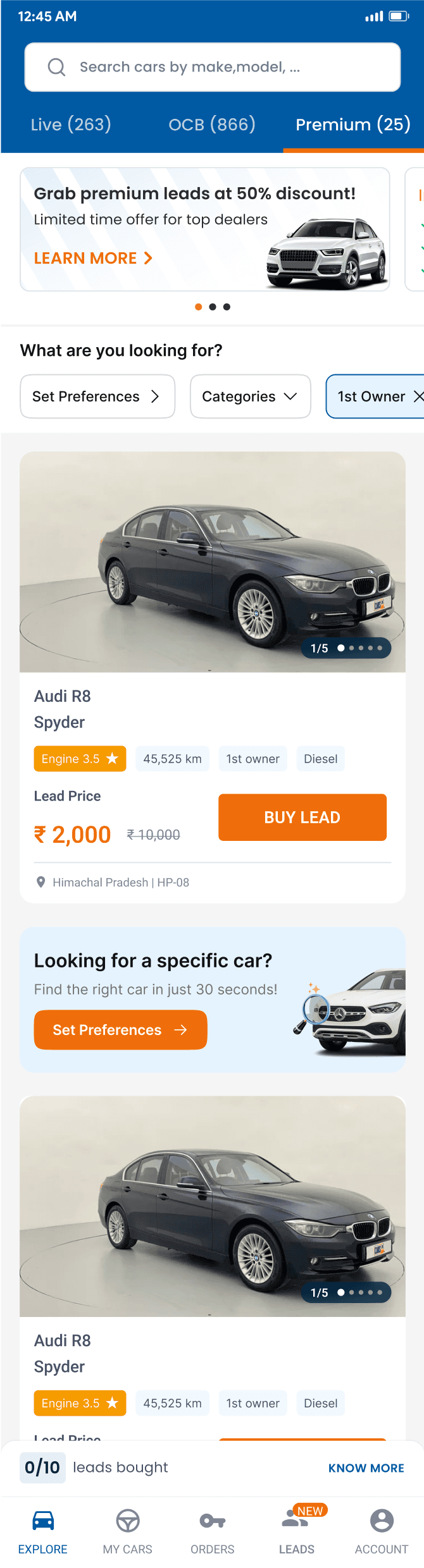
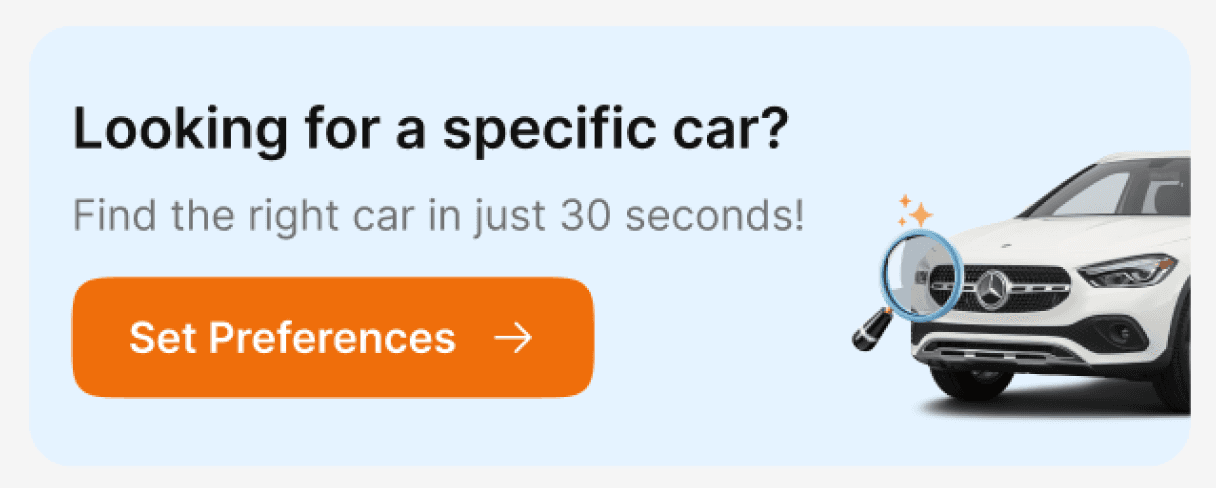
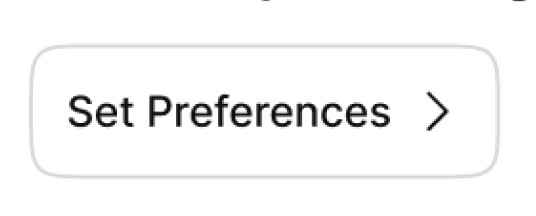
This feature would have two touchpoints:
- Within quick filters bar
- In-line listing
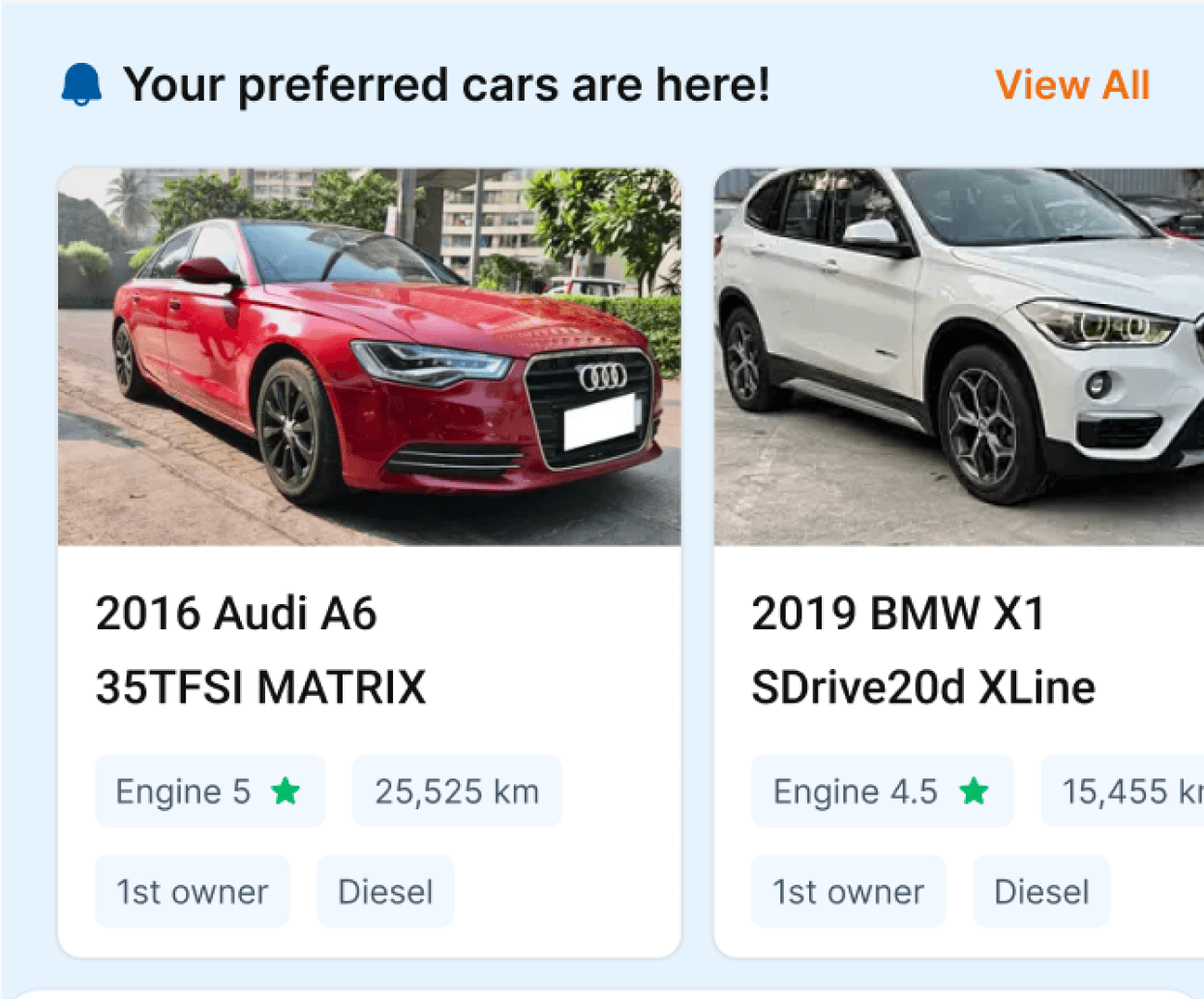
This is where the most interaction of the user is.
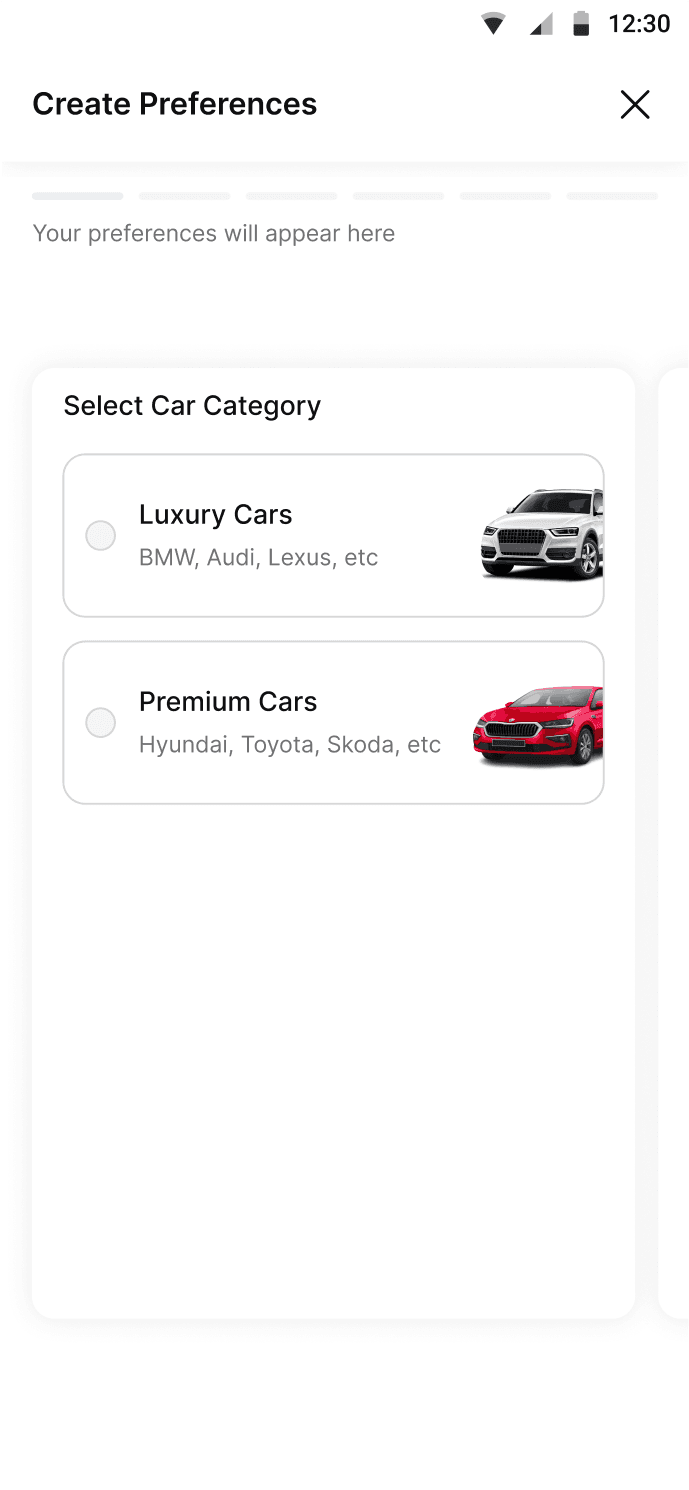
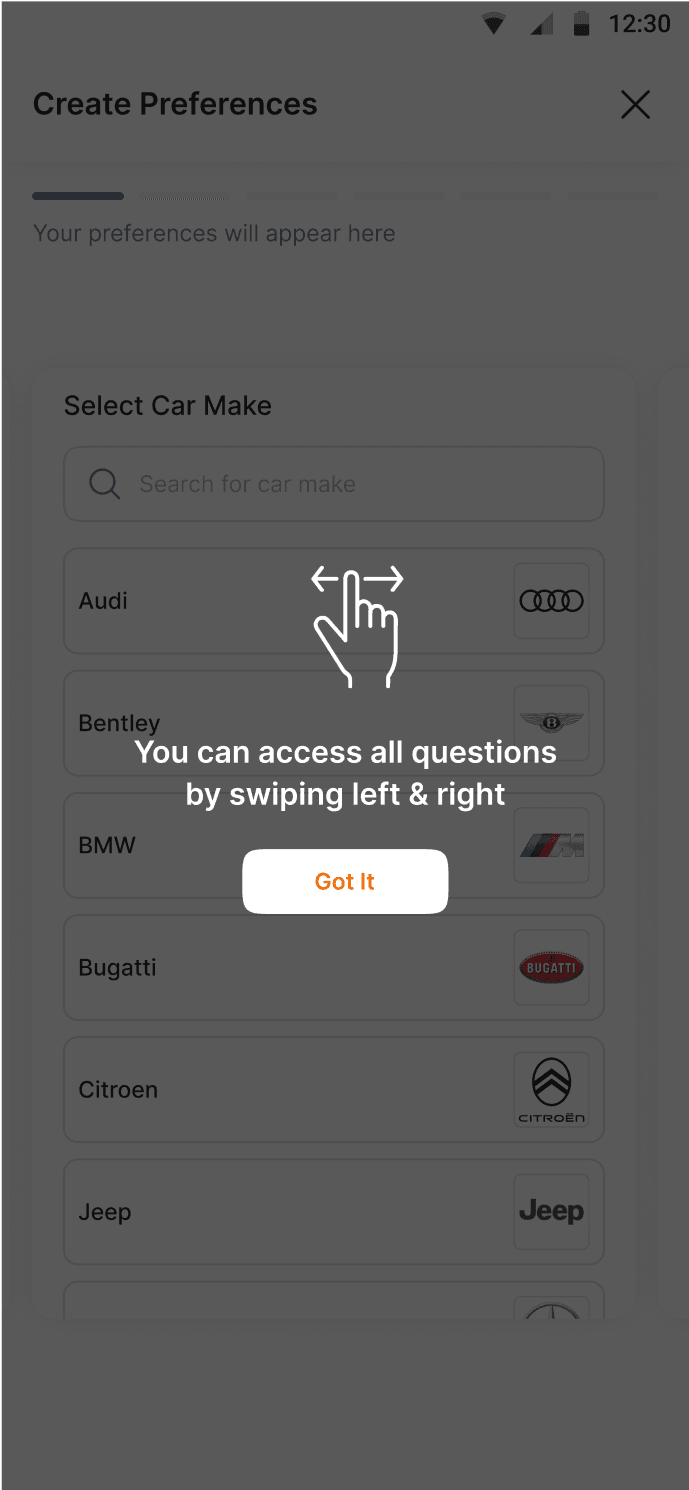
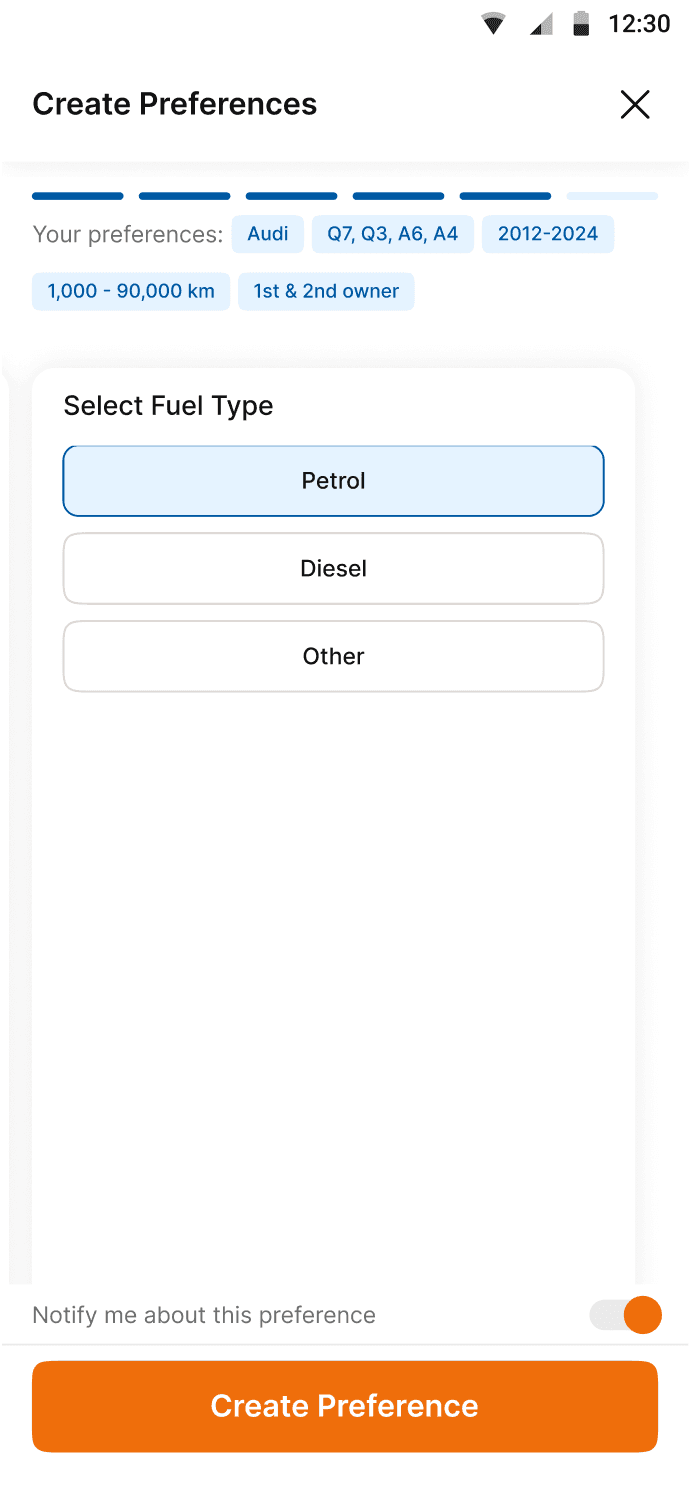
All set category of filters will be accessible on different cards that the user can swipe through
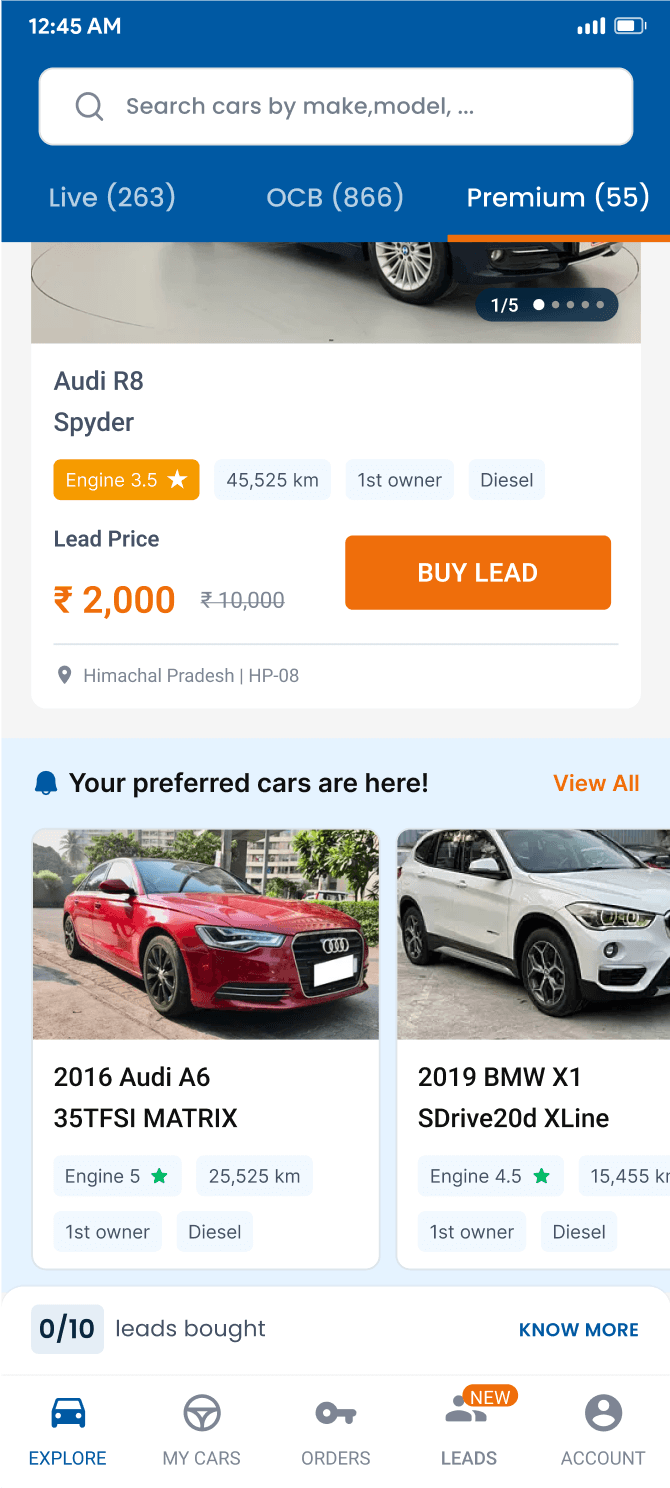
Once set, these preferences would have a separate listing of their own within the feed as well
Impact
Low adoption
The small userbase ended up being assisted offline
Change in business model
Why? That’s a bit confidential :)
bhavika.nanda06@gmail.com
Customised
Filters
Overview
Objective
Impacting car discovery & identifying user intend
Why it matters
The Channel Partners, communicate the car requirements to their Key Account Manager (KAM) offline. The idea is to productise taking the intent of the user while also notifying them that Cars24 has fulfilled the requirement.
My role
Design
Platform
Android
iOS
For
CARS24
Problem Analysis
Current scenario
Channel Partners often need to scroll through multiple leads to find specific cars.
In cases where they're looking for a particular car (e.g., 2020 Audi Q3), they communicate offline with their Key Account Manager (KAM) due to uncertainty about availability.
Limited interaction with quick filters suggested Channel Partners occasionally need specific cars but rarely use the search functionality.
Ideal solution
Initial idea
Allow users to save quick filters, but this didn't address new requirements or notify about car availability.
Scalable solution:
Capture precise requirements (brand, registration number, year, type, ownership, and distance driven).
Design
This feature would have two touchpoints:
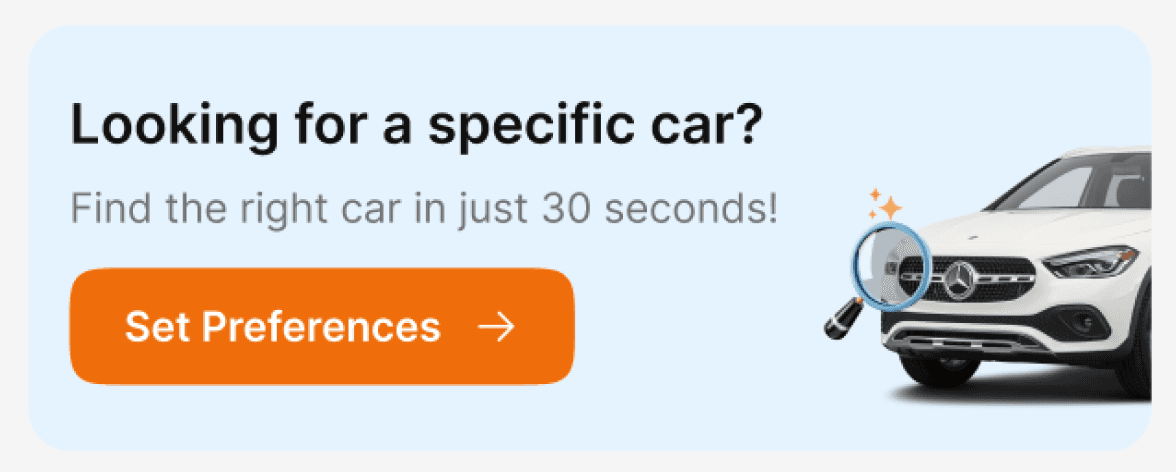
- Within quick filters bar
- In-line listing
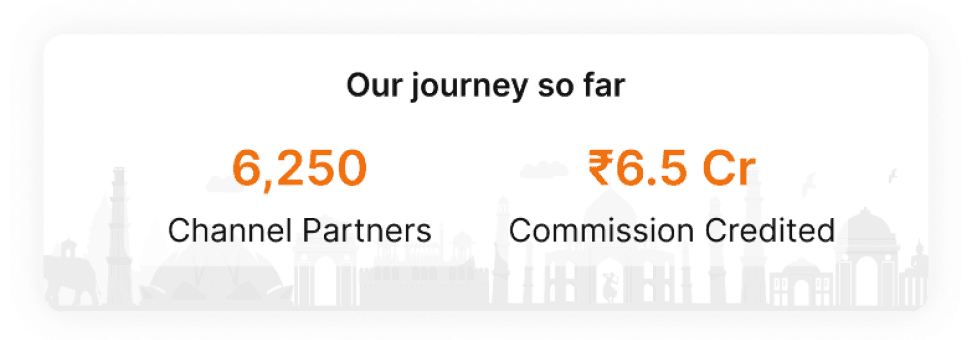
This is where the most interaction of the user is.
All set category of filters will be accessible on different cards that the user can swipe through
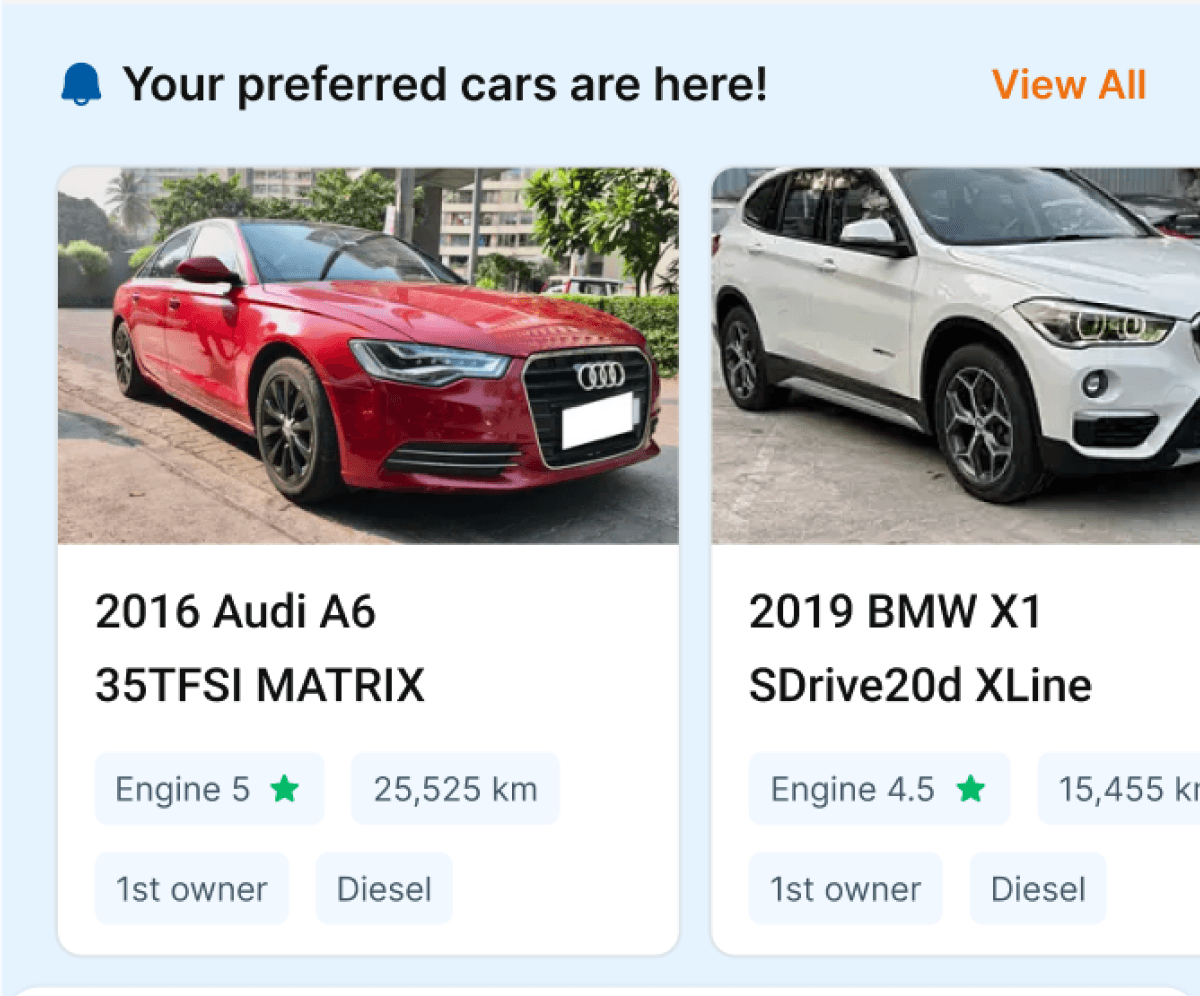
Once set, these preferences would have a separate listing of their own within the feed as well
Impact
Low adoption
The small userbase ended up being assisted offline
Change in business model
Why? That’s a bit confidential :)